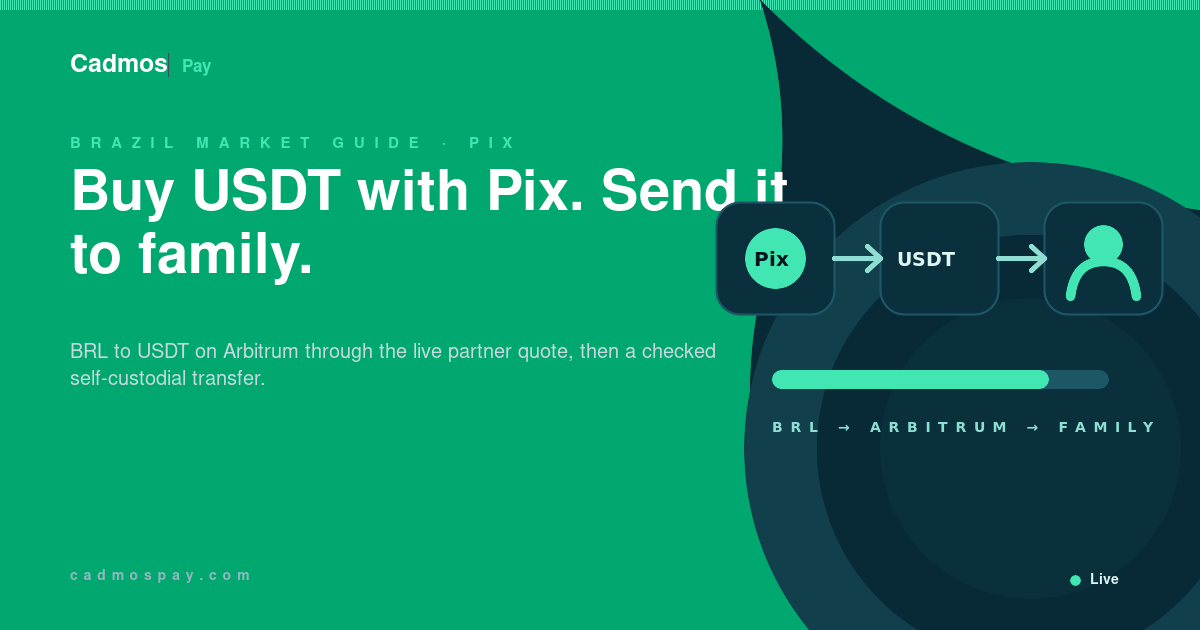
The regulated on-ramp partner receives reais through Pix, sets the quote, and sells USDT on Arbitrum into the user's self-custodial wallet. Cadmos provides the wallet and never acts as the trading or fiat counterparty. The user authorises any later family transfer.
Eligible users may also have partner-issued personal BRL/Pix account details. That receiving product applies separate payer rules and currently delivers USDC on Arbitrum. The Add Money purchase delivers USDT on Arbitrum.
Follow the route
Your BRL account → Pix payment to the on-ramp partner → USDT on Arbitrum → your Cadmos wallet → family member's compatible wallet
Keep the Pix receipt, partner conversion status, on-chain delivery hash, and family-transfer hash. Together they locate a delay or failure at the correct step.
Pix handles the BRL payment
Banco Central do Brasil describes Pix as Brazil's instant-payment method. Funds move between transaction accounts in seconds at any hour, starting from a current, savings, or prepaid payment account. The on-ramp partner handles the later BRL-to-USDT purchase.
The bank handling the Pix payment can set limits. Banco Central says the scheme has no system-wide minimum and allows participating institutions to impose maximums for fraud and anti-money-laundering controls. Its current FAQ describes lower defaults for some night-time transactions and rules for unregistered devices.
Cadmos imposes no wallet-volume ceiling. The Pix institution and on-ramp partner apply their own payment limits.
How the direct Pix-to-USDT route works
- Open Add Money and select BRL and Pix when the live flow offers them for the account.
- Enter the amount, complete the on-ramp partner's checks, and review the BRL amount, USDT output, rate, fees, minimum, and maximum.
- Follow the Pix instruction generated in that flow. Pay from an account you are authorised to use and verify the beneficiary and amount in the banking app.
- Follow the partner status until completion.
- Verify the delivery of USDT on Arbitrum in the self-custodial wallet using the transaction hash.
Use only Pix instructions generated in the verified partner flow. Treat keys sent through messages, email, search ads, or social media as unverified.
Banco Central's Pix security guidance advises checking the beneficiary and warns about urgency, pressure, and third-party payments. The resulting crypto purchase can be irreversible.
Calculate delivered USDT
Before paying, record the complete quote:
| Quote item | Effect on cost or delivery |
|---|---|
| BRL amount sent | What leaves your Brazilian account |
| BRL/USDT conversion rate | The price used for the partner conversion |
| Partner or service fee | What the on-ramp charges |
| Network or delivery fee | What is deducted to deliver the token, if applicable |
| USDT delivered | What should arrive on Arbitrum in the self-custodial wallet |
Compare the USDT delivered for the same BRL amount. Cost can appear as a separate fee, an exchange-rate spread, or both. Save the accepted terms and generate a new quote after expiry.
Then send the USDT to your family
Confirm that the family member can receive USDT on Arbitrum, obtain the current address from their wallet or exchange, and agree on their plan for the funds.
USDT on Arbitrum, Tron, Ethereum, and other networks are separate balances on separate ledgers. The direct Pix purchase arrives on Arbitrum. An address shown for another route can strand the funds or require manual recovery assessment.
For Cadmos Pay, use the current in-app receiving instruction. For another wallet or exchange, use its USDT on Arbitrum deposit screen. The verified deposit screen establishes network support.
If the recipient needs another network, use a supported withdrawal or conversion route and review its quote, destination, fees, and limits before sending.
For a first transfer, send a small test. Wait for the intended balance, then send the remainder through the same route.
For a transfer sent directly to a Cadmos address on the wrong EVM network, follow the wallet recovery documentation before making another transfer.
Plan the recipient's exit before buying
Before buying, confirm how the recipient will hold, spend, send, or convert USDT on Arbitrum. Eligibility depends on the person, account, and country.
Any later conversion or spending route is a separate transaction. Check its eligibility, quote, liquidity, fees, limits, and settlement time. The relevant issuer, partner, agent, or network controls those terms. An independent provider is the counterparty where fiat changes hands.
The Cadmos wallet has no Cadmos-imposed balance cap or transfer-volume ceiling. External purchase, conversion, and exit routes apply their own limits.
Records, tax, and family payments
Keep the purpose, sender and recipient, BRL amount, partner quote, Pix receipt, purchase hash, family-transfer hash, and accounting value together.
Brazilian tax and reporting treatment depends on the person, amounts, transactions, asset, and tax residence. Receita Federal's cryptoasset guidance links the official framework. Apply current Brazilian advice to the records.
The completed route has two authorisations: the Pix payment that buys USDT through the on-ramp partner, then the wallet signature that sends USDT on Arbitrum to the family member. Keep the evidence for both.